
2.9M views
Editors, are we cooked? ↗Raw footage in.Finished video out.
Describe your edit naturally. Get a finished draft in minutes.Every editing tool, one conversation.
Loved by 73,396 creators
01Upload
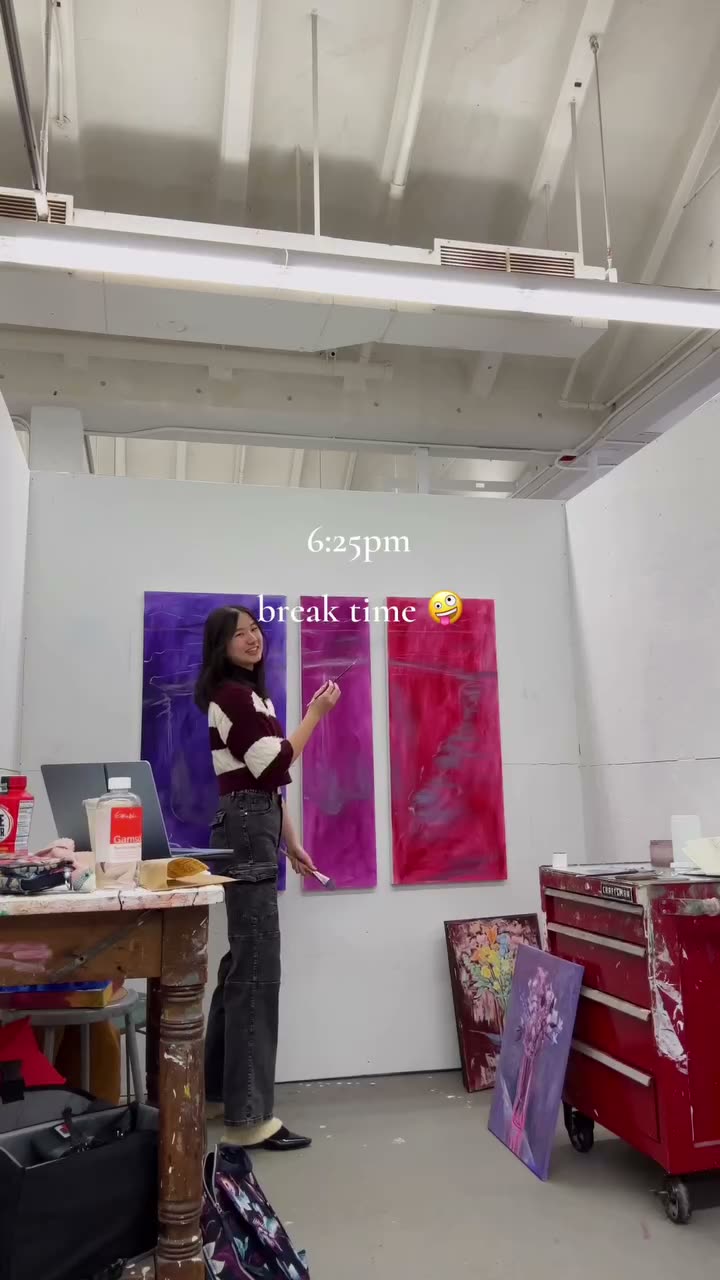 analyzed
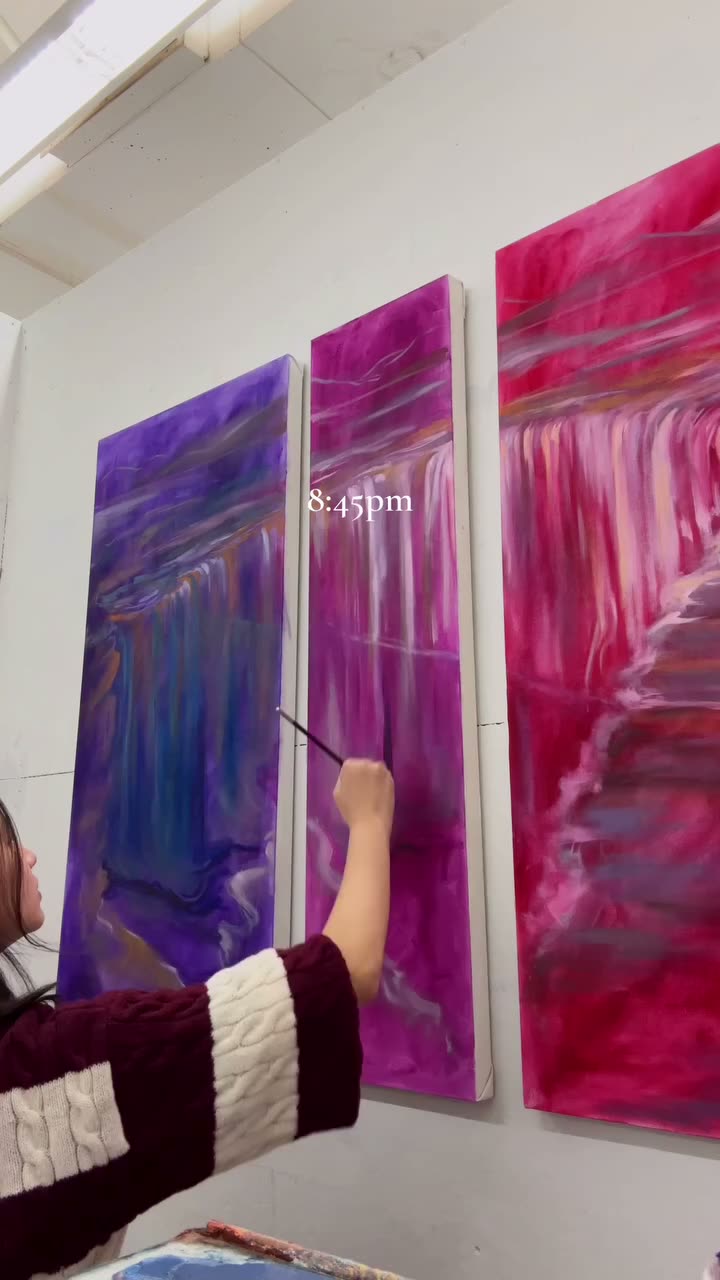 analyzed
 analyzed
IMG_7264.movuploading…
Drop in raw footage
Vyra watches and understands every frame.
02Ask
Cut my clips to the beat and add captions
On it. Watching your 9 clips now.
Beat map ready. Cutting on the drops.
Vyra
+Ask anything...
Edit by talking
Editing is a conversation now. Say it, watch it happen.
03Export
Export
Export readyTikTok · Reels · Shorts
Export in one click
Or let your agent run the whole edit and export on its own.
What your AI can do
If you can describe it, Vyra can edit it.
Motion Graphics
Animated titles, lower thirds, and counters, generated as code and rendered live on your timeline.
Footage Understanding
Every clip is analyzed: scenes detected, speech transcribed, subjects tagged. Edits follow what's actually in your footage.
vlogindoorsspeech
person
“vlogs that usually take hours to edit... edited in under an hour”
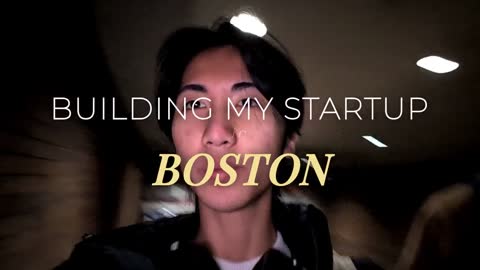 Scene 1
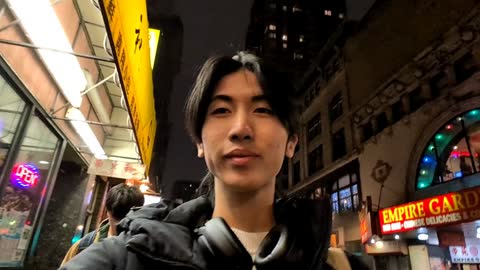 Scene 2
 Scene 3
Music Sync
Vyra finds the beats in your track and lands every cut on the rhythm.
Reference Style
Drop in a reference video and Vyra applies its pacing, color, and transitions to your footage.
Reference
Your footage
Instant Captions
Every word timed to your speech and styled to your edit. Serif, bold, karaoke, any look you can name.
31 captions synced in seconds
0:00big bag
0:02wow
0:03fit check
0:04oh my god
SerifBoldKaraoke
Everything above was made by Vyra's AI. The only human input was a prompt.
One editor, every interface
Chat with the AI built right into Vyra, or connect the assistant you already use, wherever it lives.
app.usevyra.com
FootageVyra AI
Remove the background music and add captions
Done. Music track removed and 31 captions synced to speech.
+Ask anything...
In Vyra
Built-in AI chat, no external AI needed
zsh
~ $ npx @anthropic-ai/claude-code
╭ Claude Code
> trim my travel vlog to the best 30 seconds
Analyzing 4:20 of footage...
✓ Kept 0:47-1:18 (best segment)
✓ Exported: travel-vlog-cut.mp4
~ $ ▊
Terminal


Claude Code, Codex CLI, any MCP client
Video editing session ↓
ChatCowork</> Code
Add slow motion to the intro
Used 1 tool
setTimeRemapResult
Done
Applied 0.5x speed ramp to 0:00-0:03. The intro now plays in slow motion.
Write a message...Claude
Desktop App


Claude Desktop, ChatGPT app, Cursor
Made with Vyra
Real content from real creators. From raw footage to published in minutes.
first time cooking
painting final all-nighter
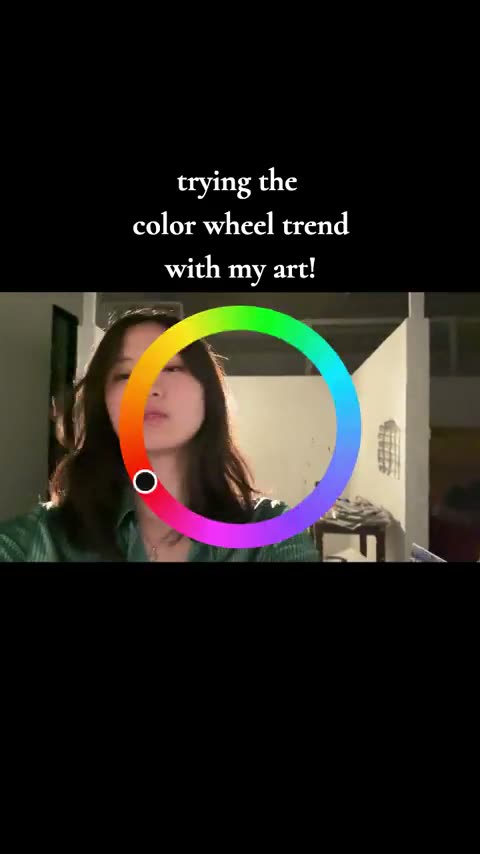
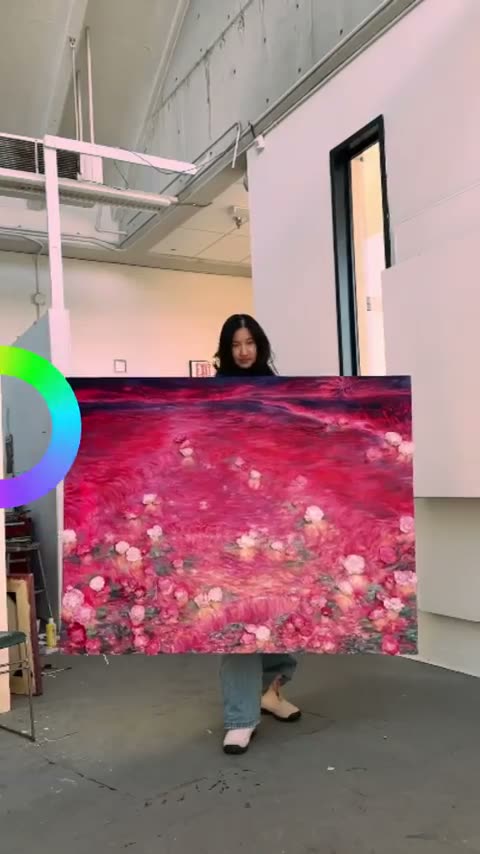
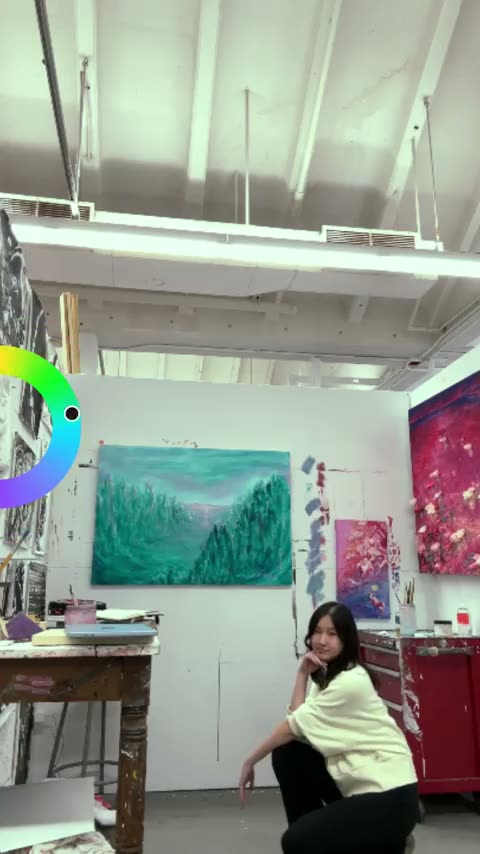
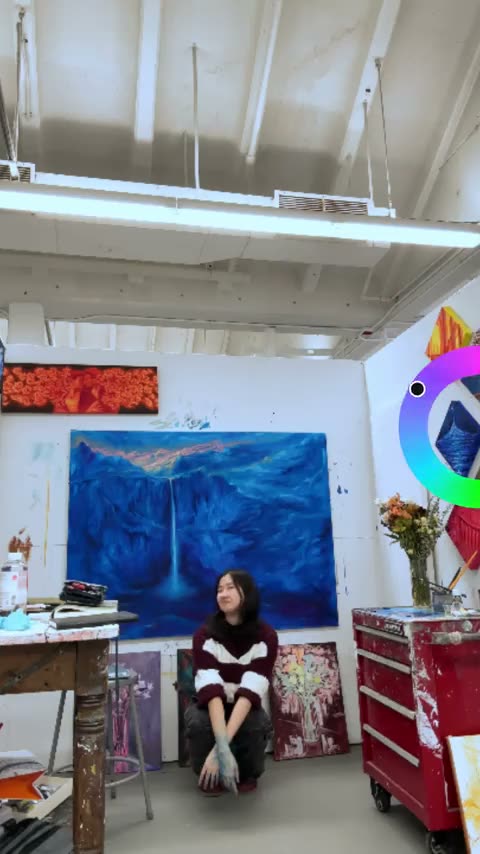
color wheel trend
snowboard edit
week in boston
73,396 creators and counting. Join them
Growing Vyra with Vyra.
Sulan mixed reaction clips with product demos and used Vyra to try different hooks. Three of those videos reached millions of views.
Sulan · @sulansart ↗Example prompt
“Vyra, edit 10 different UGC videos using my footage. Mix my reaction clips with the demos and try a different hook for each.”
Alternatives are expensive and slow
Learning a pro tool or hiring an editor costs too much time and money.
Traditional Editors
Weeks to learn, hours per edit
Manual cutting, syncing, captioning
You scrub through every clip yourself
Complex timelines, endless menus
With Vyra
Edit by chatting, with built-in AI or your own
AI sees and understands your footage
Full editor when you need control
One conversation, start to finish
Other AI Video Tools
Generic templates, no real footage
Limited to short clips
No fine-grained control
Can't iterate on edits
Simple pricing
Free to start. Bring the AI you already pay for, or use ours.
Bring your own AI
For people who already pay for Claude, ChatGPT, or Cursor.
Vyra AI
Everything in one app. No other subscription needed.
All plans include 1,000 exports a month. Plan details and FAQ
Frequently asked questions
Your next video isa conversation away.
Go from footage to finished in minutes.